Coding Journey
Learn how the IBM DevOps Solution Workbench supports software developers with design-aware coding assistance and helps to focus on business logic instead of boilerplate code.
Design-aware coding with your own tools
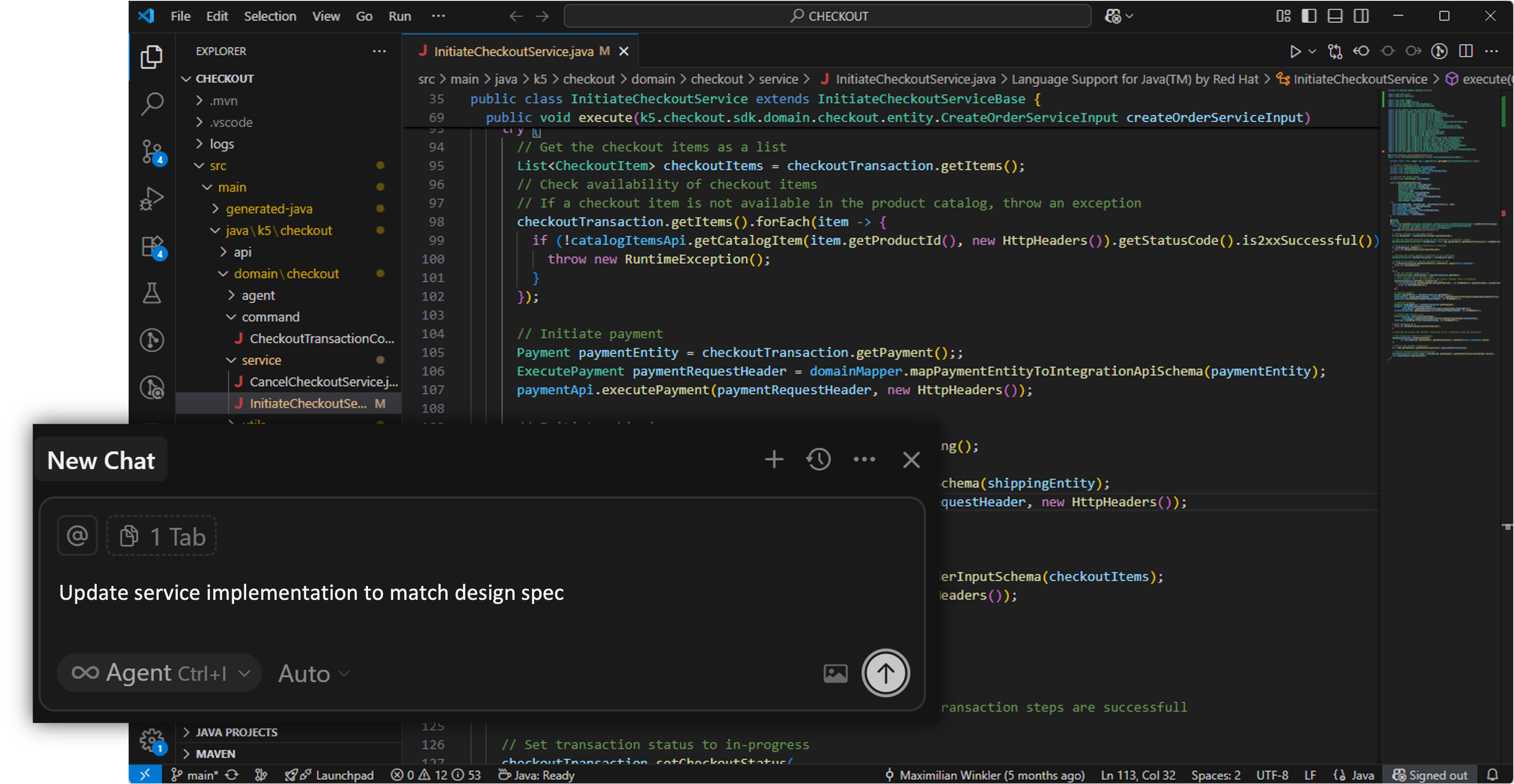
Bring your own IDE and coding assistant — VS Code, IntelliJ, Cursor, or any other tool you prefer. Through Project Baselines, your coding assistant gets access to the structured design model you created in Workbench: service boundaries, domain entities, architectural decisions, and your organisation's coding standards.
The result is design-aware code generation — your AI implements what your organisation already decided, consistently, without you having to explain the architecture in every prompt.
⚠️ New content coming soon!
The section below describes Code Generation based on Managed Stacks — an earlier approach to service development using predefined technology templates. Managed Stacks are being replaced by a more flexible approach based on the Open Modeling Language (OML) and Project Baselines, which allows any team to define their own standards and generate code through their coding assistant.
Updated content for the new approach is coming soon. In the meantime, explore the trial experiences to see it in action.

Testing and debugging
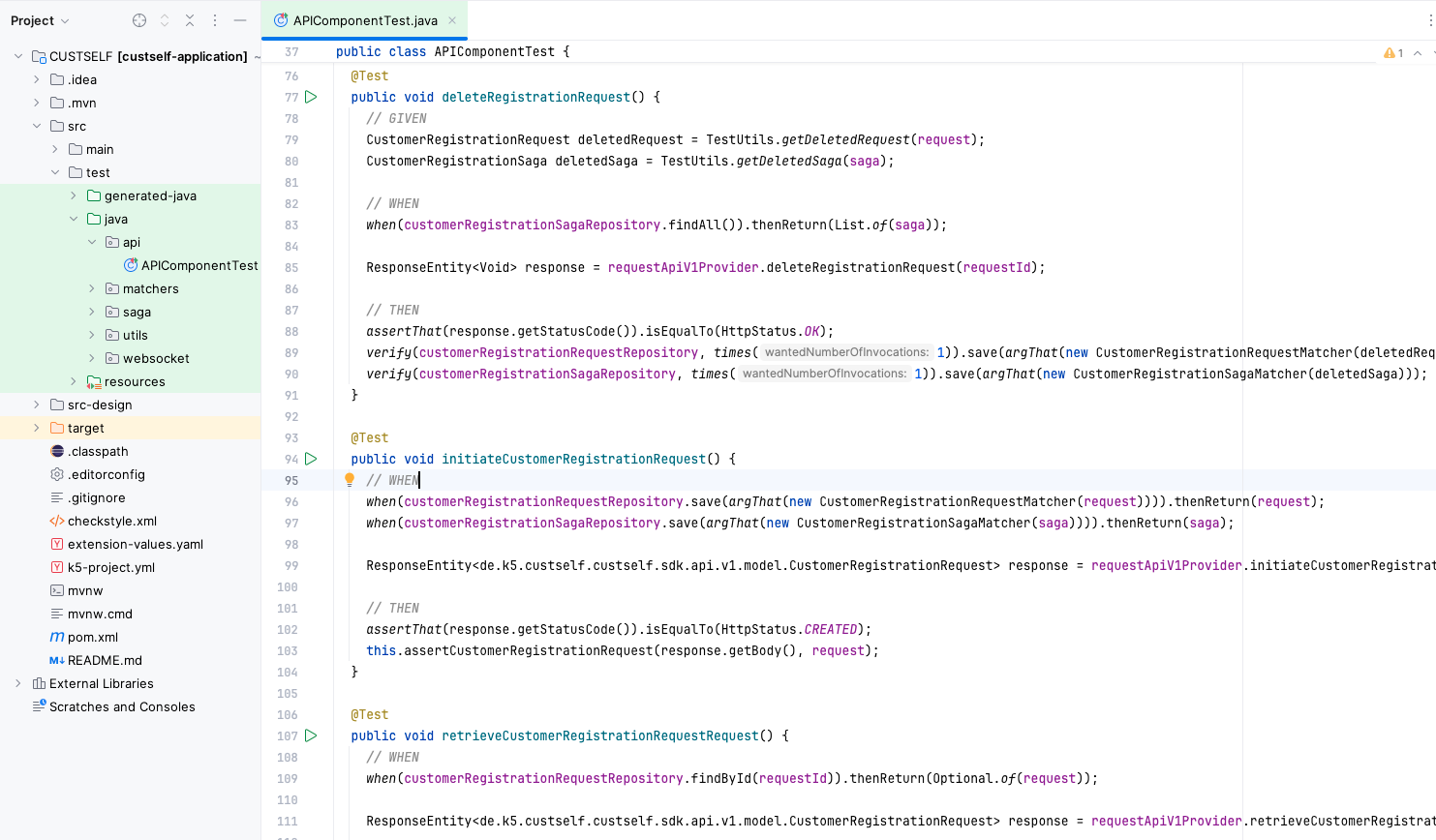
The IBM DevOps Solution Workbench supports unit testing during service development to ensure code quality, with automatic test execution during pipeline runs to block faulty deployments.
The platform provides a ready to use test framework that allows developers to write and execute unit tests for their service implementations.
→ Learn more about testing and debugging:
Define Unit Tests (TypeScript)
Define Unit Tests (Java)
Building and releasing the projects
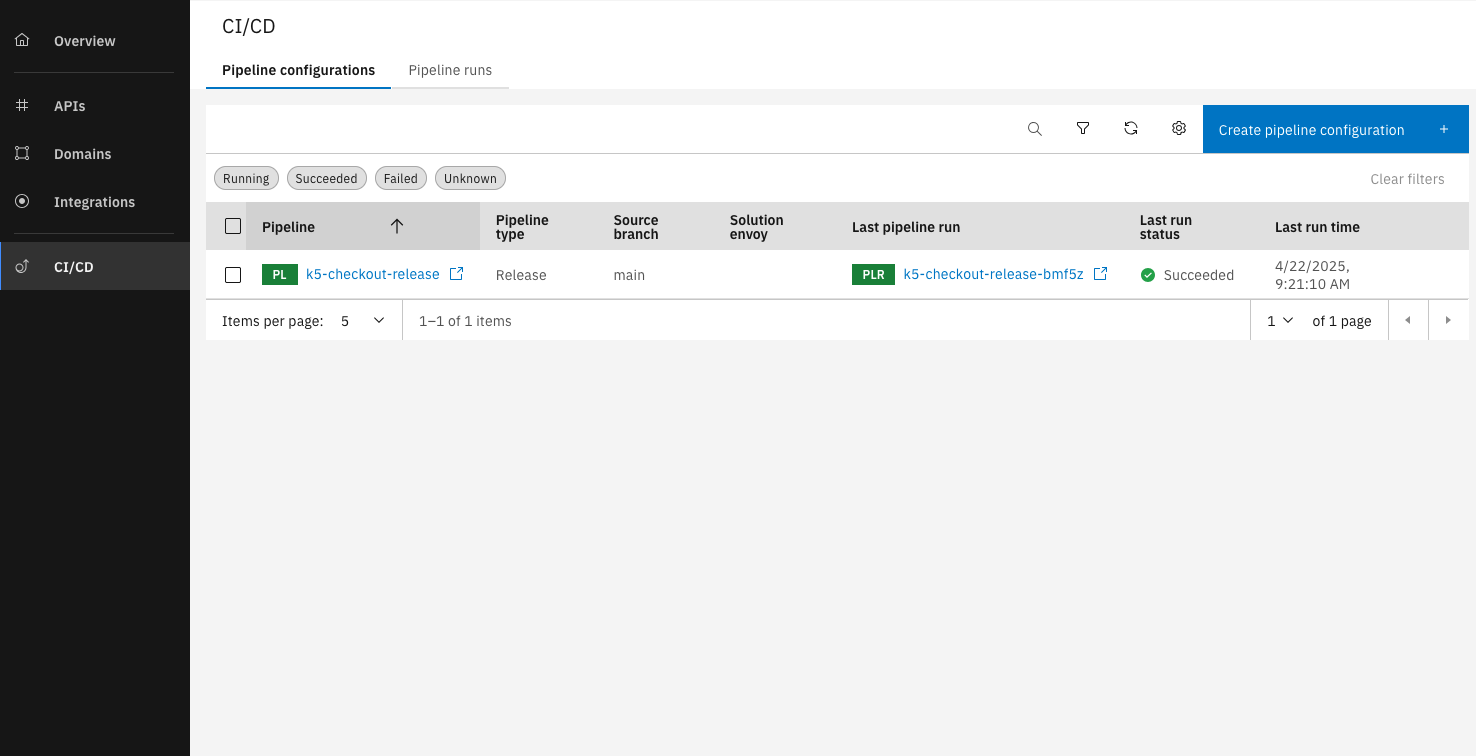
After implementing the service, developers can build and release it using the built in CI/CD capabilities of the IBM DevOps Solution Workbench. This allows them to easily create a Release Pipeline that handles building the service and making it available to use in applications.
Define deployment visually
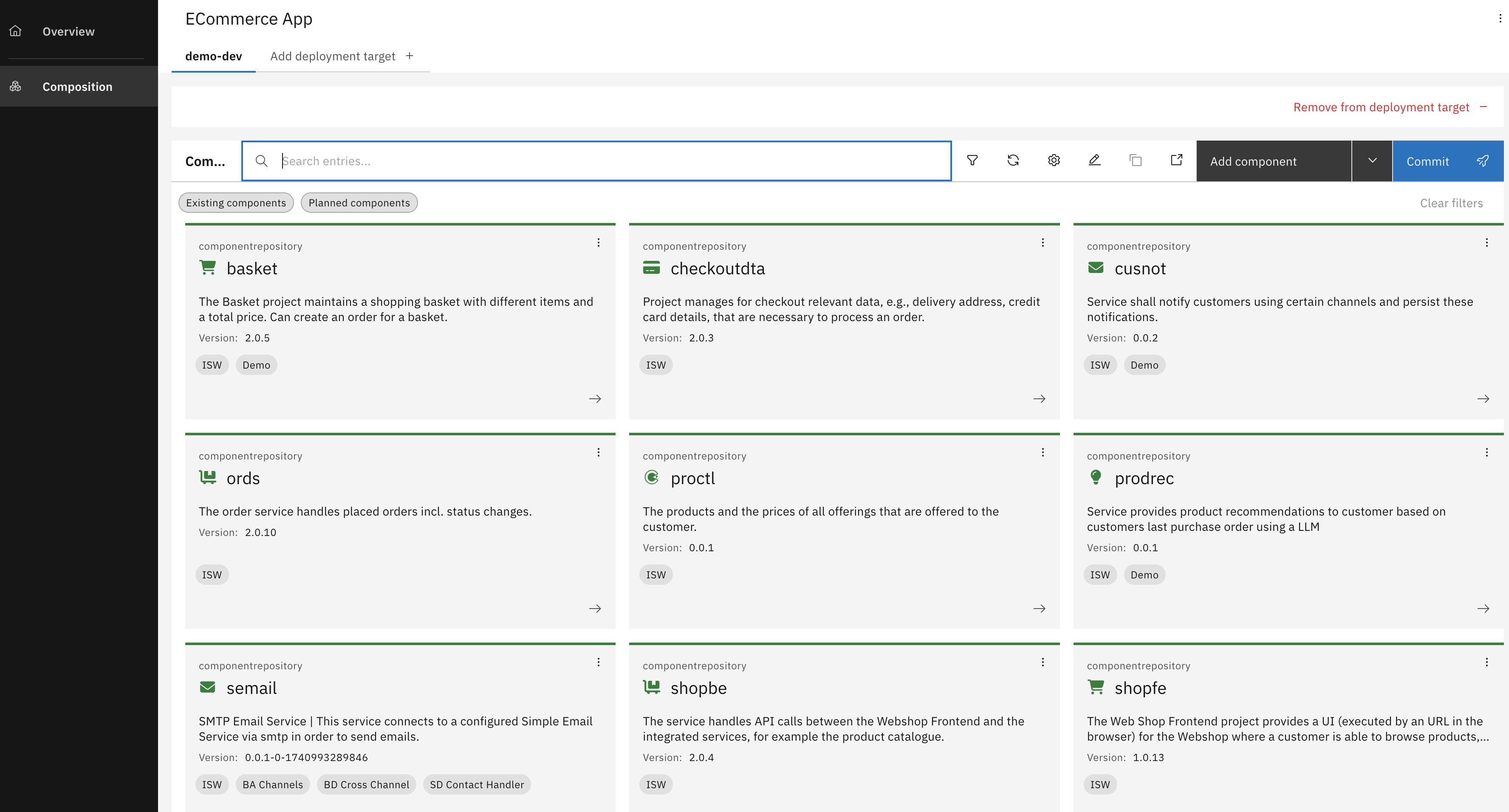
With Composition Projects, you can visually define how services are deployed, configured, and orchestrated - including network topology, environment settings, and GitOps automation.
The platform offers a consolidated interface for managing deployments, reducing DevOps overhead and enhancing collaborative control.
Working with your own CI/CD tools
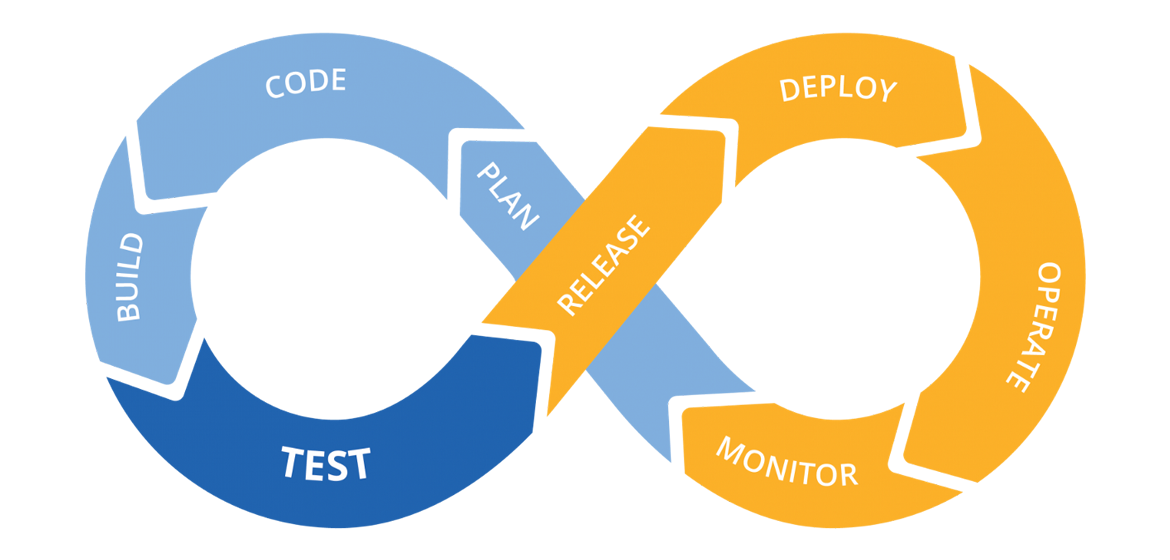
With the IBM DevOps Solution Workbench you can also use your own CI/CD tools to build and deploy your services. This is particularly useful for teams that have existing CI/CD pipelines or prefer to use specific tools for their development and deployment processes.
This flexibility enables teams to leverage existing tools and processes while still benefiting from the platform's capabilities.
Manage applications on the OpenShift cluster
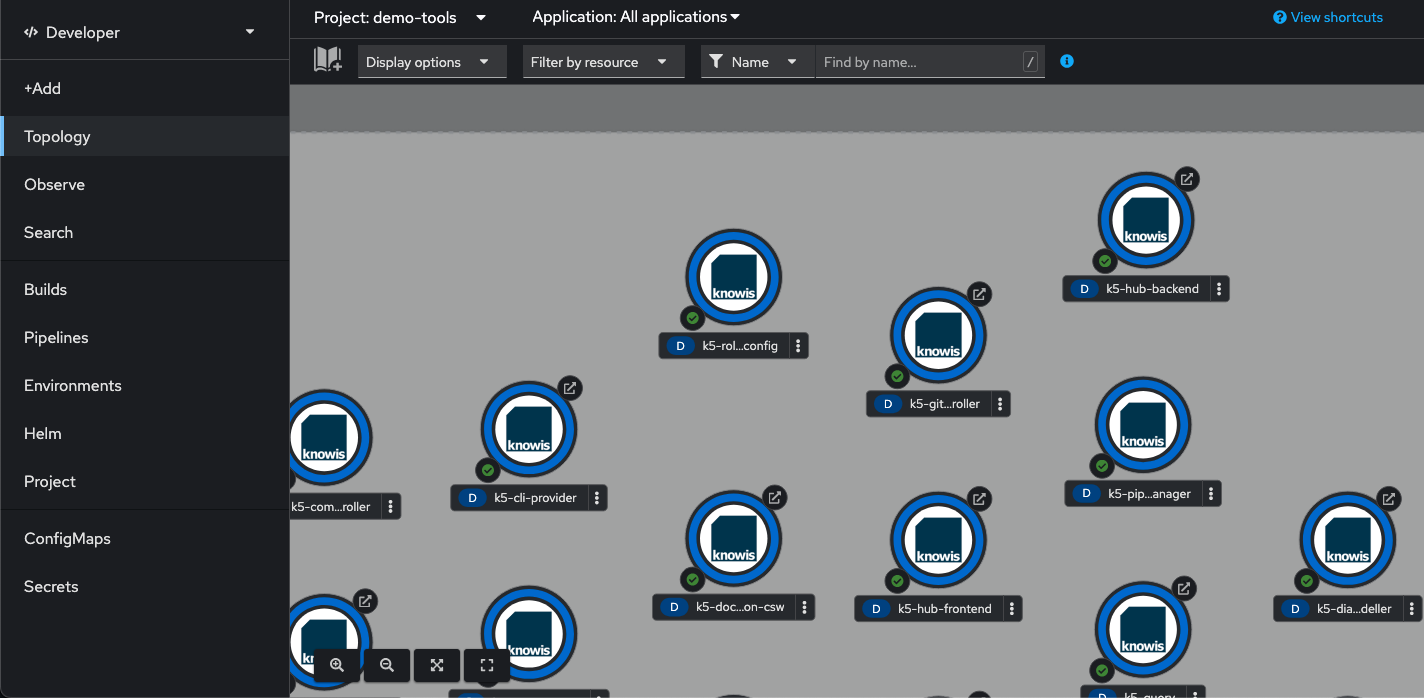
Your services are deployed on an OpenShift Cluster, which can be managed through its web console. Here developers can monitor their services and applications, check logs, and manage the underlying infrastructure.